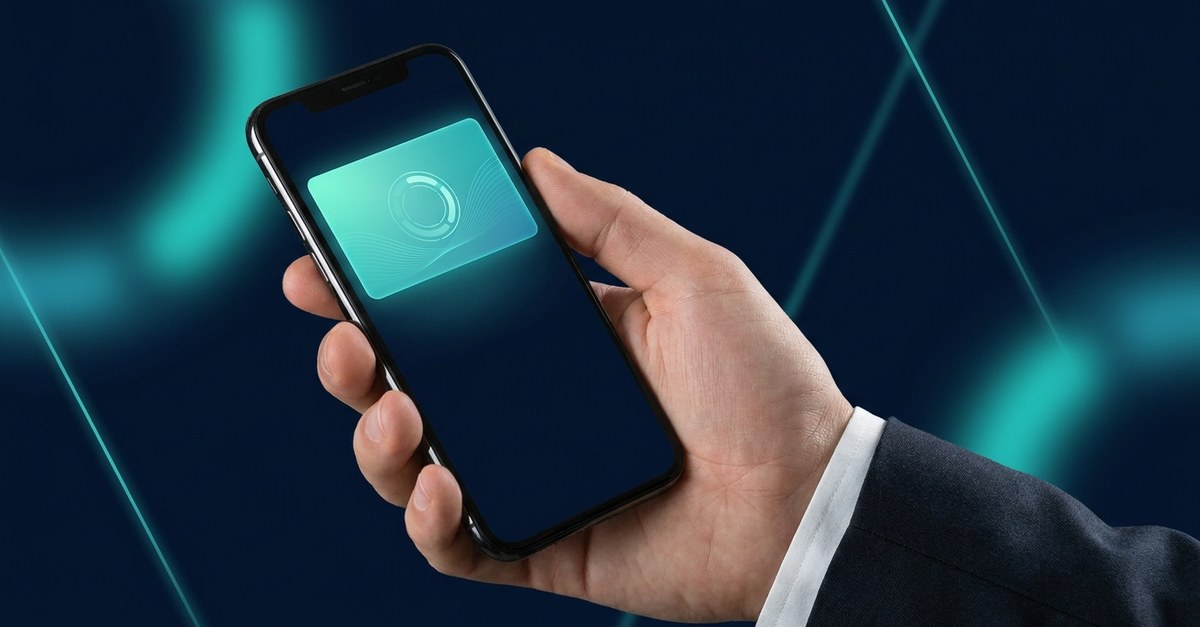
An Apple Wallet loyalty card is exactly what it sounds like: your loyalty card, living in the same app where your customers already keep their boarding passes, event tickets, and bank cards. No plastic to print, no paper to stamp, and — this is the part most owners don't expect — no app for anyone to download. If you've ever wondered what actually happens between "customer scans a QR code" and "customer gets a free coffee eight visits later," this is the plain-English walkthrough. And yes, Android is covered too: the same card works in Google Wallet (no, they're not the same app — but they hold the same card), so every phone that walks through your door can carry it.
What Your Customer Sees
From the customer's side, the whole thing takes about ten seconds. They point their camera at a QR code on your counter, table, or receipt. A card appears with your branding — your colors, your logo, your offer. They tap "Add to Apple Wallet." Done. There's no form marathon, no password to invent, no app store detour — which matters, because customers simply don't download apps for individual shops, and every extra step at sign-up costs you members.
From then on, the card sits in their wallet next to their debit card. When they're near your shop or their stamp count changes, the card can surface on the lock screen by itself. Open it, and the progress is right there: six stamps out of eight, reward two visits away. That visible progress is quietly powerful — it turns "should I go back?" into "I'm two away."
How an Apple Wallet Loyalty Card Works Behind the Counter
On your side, it's three moving parts, and none of them require an IT department:
- The pass itself. Technically it's a small file called a PKPass — Apple's standard format for wallet passes (here's a plain-English guide to PKPass files if you're curious). You don't build it; the platform generates it with your branding when you set up your card. Wally handles the Google Wallet version at the same time, so one setup covers every phone.
- The join flow. You get a QR code — print it, frame it, put it on the counter or the receipt. Every scan turns a walk-in into a member you can reach later. That one-scan join flow is where wallet cards quietly beat every clipboard, form, and app that came before them.
- The stamping. At checkout, your staff scan the customer's pass with a phone — no extra hardware. The stamp lands instantly and the card in the customer's wallet updates itself in real time. Cashier queues don't slow down; the whole exchange takes a second or two.
The Feature Plastic and Paper Can Never Copy
A paper punch card is silent for its entire life. An Apple Wallet loyalty card can speak — at exactly the right moment. Because the pass updates itself, you can push a message to the lock screen of every member at once: "Double-stamp Tuesday," "You're one visit from a free wash," "Iftar hours start today." No SMS fees, no email fighting a crowded inbox, no ad spend. The customers who already like you see it on the screen they check dozens of times a day.
And unlike paper, the card reports back. You see how many members joined this week, who visits often, and who hasn't been in for a month — which is usually the moment one well-timed nudge brings them back.
What It Looks Like in a Real Shop
The mechanics are the same whether you pour coffee or cut hair; only the rhythm changes. A café runs a classic digital stamp card — buy nine, the tenth is free — and the QR code lives next to the till. A salon stamps every appointment and sends a gentle nudge when a client is overdue. A restaurant rewards every fifth table and fills quiet weeknights with a push to every card. Same rails, different cadence — and in every case the customer joined in one scan and never installed anything.
Common Questions, Quick Answers
- Do customers need an iPhone? No. iPhones use Apple Wallet, Android phones use Google Wallet — the same QR code sorts it out automatically.
- Does it need special hardware? No. A printed QR code to join, and any smartphone to scan stamps at the counter.
- Can customers delete the card? They can, just like they can bin a paper card — but a card that shows live progress and occasionally delivers a reward earns its place in the wallet. Deletion rates are a fraction of app-uninstall rates.
- How long does setup take? Minutes, not weeks. Pick a card type, add your branding, print the QR code. Your first member can join the same afternoon.
The Takeaway
An Apple Wallet loyalty card takes the loyalty program you already understand — visit, stamp, reward — and moves it to the one place your customers never forget to bring: their phone. Joining takes one scan, stamps update themselves, and for the first time your loyalty card can speak up at exactly the moment a customer is deciding where to go.
Want to see your own card in Apple Wallet before you commit to anything? Book a quick demo with Wally — scan one code and your card is on your phone in under a minute.